Elexon Importer
Elexon provides a wealth of industry data essential to creating virtual bills. It's free to access this data, but you have to create an account on the Elexon Portal and then copy the scripting key from the Elexon Profile Page.
Configuration
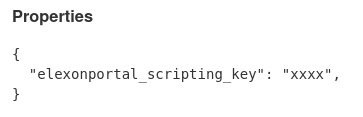
In Chellow, go to Contracts » Non-Core Contracts » Configuration and enter the key
like this:
The Importer
Clicking on the Automatic Importer: Elexon Importer link takes you to the page for
importing the data from Elexon. The importer runs once a day automatically by
default, so you should rarely have to attend to it.
Running An Import
Now that we've configured the importer with our scripting key, click the Import Now
button to start an import. Click the browser refresh button to see the latest progress
in the log:
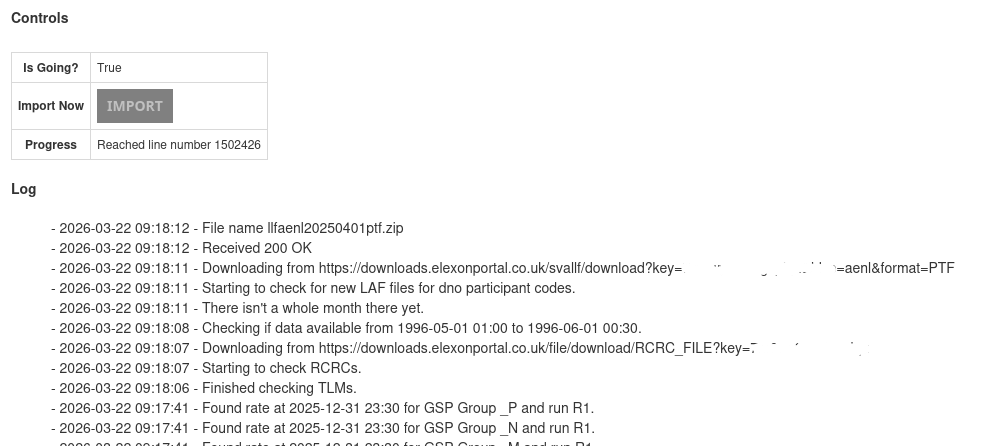
Make sure it completes successfully.
